PreprocessorDefinitions=
Techniques=Colourfulness@Colourfulness.fx,Curves@Curves.fx,Levels@Levels.fx,LiftGammaGain@LiftGammaGain.fx,FilmicAnamorphSharpen@FilmicAnamorphSharpen.fx,Tonemap@Tonemap.fx
TechniqueSorting=Daltonize@Daltonize.fx,Colourfulness@Colourfulness.fx,Curves@Curves.fx,Deband@Deband.fx,DisplayDepth@DisplayDepth.fx,FilmGrain@FilmGrain.fx,HDR@FakeHDR.fx,Levels@Levels.fx,FilmGrain2@FilmGrain2.fx,LiftGammaGain@LiftGammaGain.fx,FilmicAnamorphSharpen@FilmicAnamorphSharpen.fx,LUT@LUT.fx,Tint@Sepia.fx,Clarity@Clarity.fx,LumaSharpen@LumaSharpen.fx,Tonemap@Tonemap.fx,AdaptiveSharpen@AdaptiveSharpen.fx,UIMask_Top@UIMask.fx,UIMask_Bottom@UIMask.fx,Vibrance@Vibrance.fx
[AdaptiveSharpen.fx]
curveslope=0.500000
curve_height=1.000000
D_compr_high=0.500000
D_compr_low=0.250000
D_overshoot=0.009000
L_compr_high=0.334000
L_compr_low=0.167000
L_overshoot=0.003000
pm_p=0.700000
scale_cs=0.056000
scale_lim=0.100000
[Clarity.fx]
ClarityBlendIfDark=50
ClarityBlendIfLight=205
ClarityBlendMode=2
ClarityDarkIntensity=0.400000
ClarityLightIntensity=0.000000
ClarityOffset=2.000000
ClarityRadius=3
ClarityStrength=0.400000
ClarityViewBlendIfMask=0
ClarityViewMask=0
[Colourfulness.fx]
backbuffer_bits=8.000000
colourfulness=0.100000
col_noise=1
enable_dither=1
lim_luma=0.900000
[Curves.fx]
Contrast=0.165000
Formula=7
Mode=2
[FakeHDR.fx]
HDRPower=0.884999
radius1=0.745000
radius2=0.744999
[FilmicAnamorphSharpen.fx]
Clamp=0.535000
Coefficient=0
DepthMask=0
DepthMaskContrast=128
Offset=0.100000
Preview=0
Strength=30.000050
UseMask=0
[Levels.fx]
BlackPoint=-1
HighlightClipping=0
WhitePoint=251
[LiftGammaGain.fx]
RGB_Gain=0.935000,0.985000,1.020000
RGB_Gamma=0.945000,0.885000,1.035000
RGB_Lift=0.985000,1.000000,1.005000
[Tonemap.fx]
Bleach=0.000000
Defog=0.095000
Exposure=-0.000000
FogColor=0.101961,0.019608,0.027451
Gamma=0.880000
Saturation=-0.170000
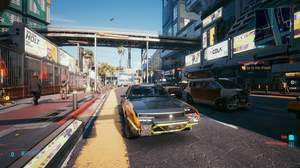
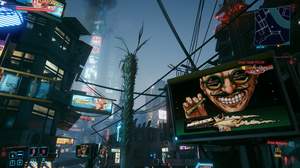
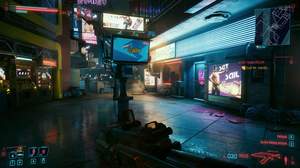
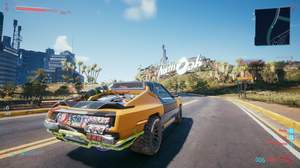
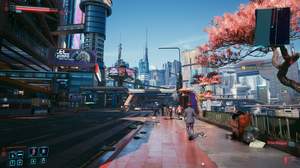
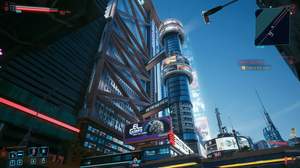
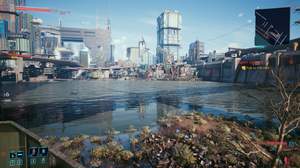

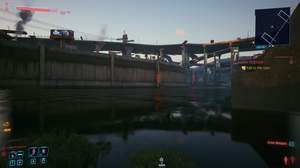
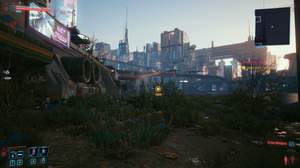
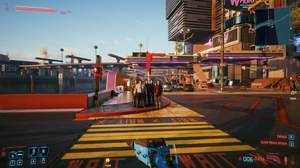
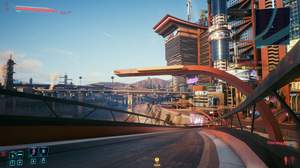
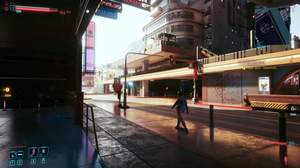
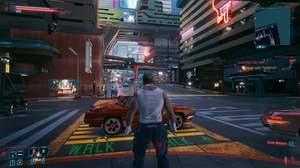
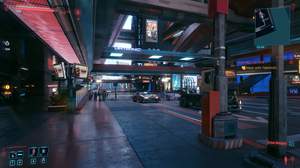
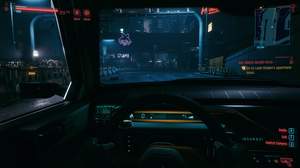
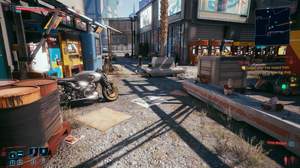
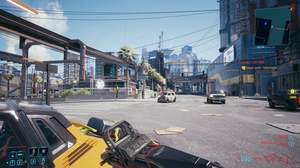
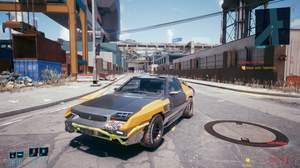
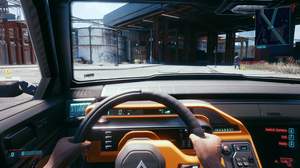
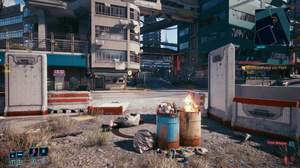
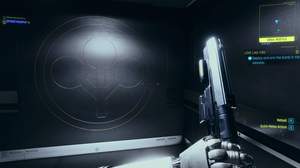
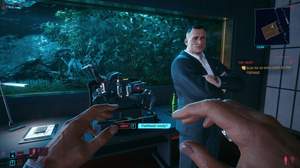
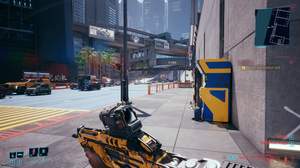
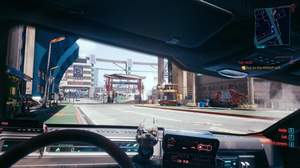
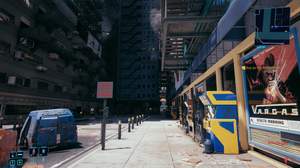
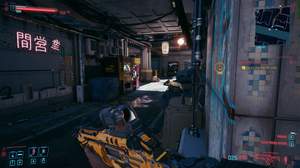
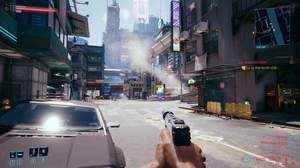
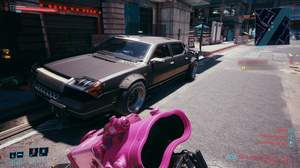
i really like your settings!
took some dope shots whit it!
https://www.flickr.com/photos/145054737@N05/albums/72157717679569078
Nice reshade. The only one that fix yellow filter without FPS hit or useless effects.
@Byronic
You can enable Nvidia Image Sharpening for Cyberpunk in Nvidia control panel for more sharpening without FPS hit.
But I think blurry problems got fixed in 1.05. Game is less blurry now.
@Da_Rellik
Thanks for trying to improve the games optical impression. I am not the only one who thinks the game vision is also kinda blurry, greenish and colours could be improved too. Last time I used some Nexus Presets to hopefully satisfied my graphics in game. They don´t! So I will give your Preset a chance. Because it´s looking really clear on the images. That´s what I prefer at an game which try to be "real life" graphics. I had done by my own before, but I don´t know how to erase this annoying blurry and greenish or blueish vision at so many other games too!
I own the RTGI shader from Marty McFly and try to learn all that tweaking stuff. Btw, till now I didn´t noticed any modders Reshade Preset based on the RTGI shader neither here nore at Nexus. Is it because the game itself have so many Performance Issues that it would be ended in more fps drop with RTGI enabled?
IMPORTANT: Make sure you have the v1.2 version of this Preset, as it is slightly better and more realistic than previous versions. Thank you kindly and I hope all can enjoy this preset!
*If I find a way to further improve the game graphics I will upload a 1.3v Version.
nice preset! :)
i like the cold tone of it :)