FIFA 18 ~ RE@LIST!K R*C FINAL PRESET *****
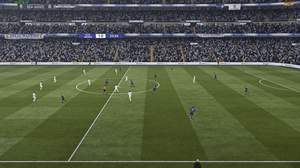
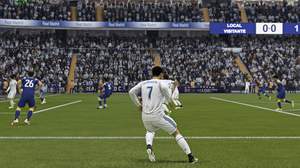
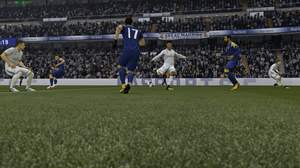
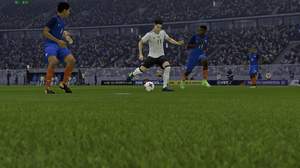
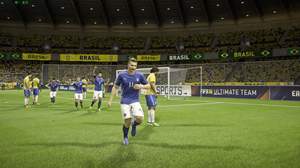
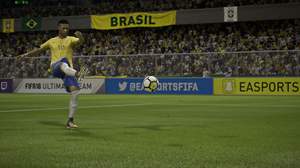
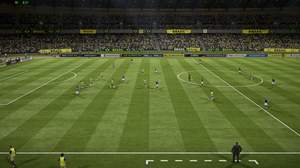
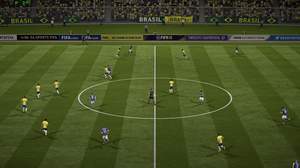
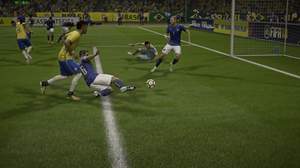
After many test I found a "preset" for better rendering and real colors!
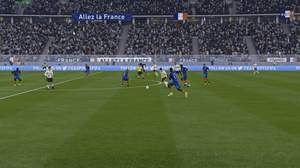
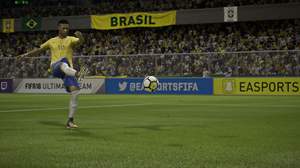
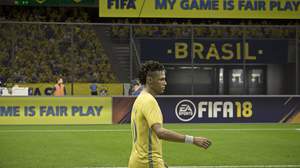
=>NOTE 1: watch the screenshots in full size 4K to see a better comparaison.
=>NOTE 2 : do not download the file, you only need "ReShade" and follow the instructions below ;)
<!>IMPORTANT<!> you have to choose DX11 in the launcher FIFA 18 settings !!!
==========>>[ INSTRUCTIONS ]<<==========
-{ Download ReShade 3.0.8 (
https://reshade.me) and launch it.
-{ Select the location of the game for exemple: C:\Program Files (x86)\Origin Games\FIFA 18 >>> and select "FIFA18.exe"
-{ Choose DX10 and Download all shader >>> Done close it.
-{ Launch the game / you should see a message in the left corner.
-{ Open the menu with Shift + F2 / clic on the (+) right corner and give a name (like you want) and push "enter"
-{ Now you have to active the shaders, for my "preset" I activated only 5 like this:
> Clarity.fx
> ColorMatrix
> HighPassSharpen.fx
> LumaSharpen
> SMAA
=>NOTE 3 : Of course, you can try to active the others shaders by yourself to find your best rendering :)
Have fun, I see you in game "free match" versus or with you :P (my tag: TangoMike514)
Config used: Windows 10 x64 Pro (UHD 4K full setting Ultra)
-{ Aerocool Xpredator Red Devil Edition
-{ Asus MAXIMUS IX FORMULA
-{ Intel Core i7 7700K
-{ Be Quiet Dark Rock 3
-{ MSI GeForce GTX 1080 Ti Founders Edition - 11 Go
-{ G.Skill Ripjaws V Red DDR4 2 x 8 Go 2400MHz CAS 15
-{ Seasonic M12II Evo Modulaire 750W
why crash on fullscreen ?? just with borders
GOOD!THANKS!!!!!!